Upstreaming Update #1
It’s been a while since my last post but here is my update #1!
What’s new?
First and foremost, I’m happy to report that the patches from my previous post, adding some MediaTek Genio SMARC platforms to mainline kernel, have been merged!
It means that anyone using a Tungsten510 or Tungsten700 SMARC module can now leverage the latest Linux kernel fixes/improvements starting with v7.0-rc1 as most features are already working:
- MIPI-DSI Display & GPU (Panfrost)
- SDIO: eMMC, SD & Wi-Fi/BT (MT7921S)
- Gigabit Ethernet, USB 3.0 & PCIe
Regarding MIPI-DSI, I’ve helped testing a patch from Collabora to fix HS mode support.
Moreover, another patch has been submitted to fix the clocks init sequence with some bridges like the TI SN65DSI83 used on my display. Hopefully it will make it to v7.1.
What now?
Now that the base is in place, I will be able to use those platforms to test various things.
On the hardware side, the SMARC carrier board allows me to test any M.2 modules (modems, wireless, AI accelerators) and/or USB/SPI/I2C devices.
On the software side, it will allow to test new features as they become available without having to wait for the SoC vendor to catch to latest release.
Testing setup
If you wonder how I test/debug the kernel, here are some tips about my setup.
For faster iterations, the kernel/dtb are loaded over TFTP and my rootfs is mounted via NFS by the kernel. This allows to update the kernel/dtb/modules without flashing anything:
$ export ARCH=arm64; export CROSS_COMPILE=aarch64-linux-gnu-
$ export INSTALL_MOD_PATH=$PWD/out;
$ make defconfig && make -j16 && make modules_install
$ cp -v arch/arm64/boot/Image arch/arm64/boot/dts/mediatek/mt83*tungsten*.dtb /srv/tftp/
$ sudo cp -av out/lib/* /srv/nfs/testing-arm64/lib/
There are plenty of good articles covering how to setup the servers so I won’t cover it here.
As to which rootfs to use, I chose Debian testing for its convenience to install up-to-date packages but you could use other distros or Yocto images.
GPU benchmarking
Once booted up, it was nice to see that the GPU was working with kmscube as well as weston out of the box. Therefore it was easy to run glmark2-es2 to benchmark the GPU.
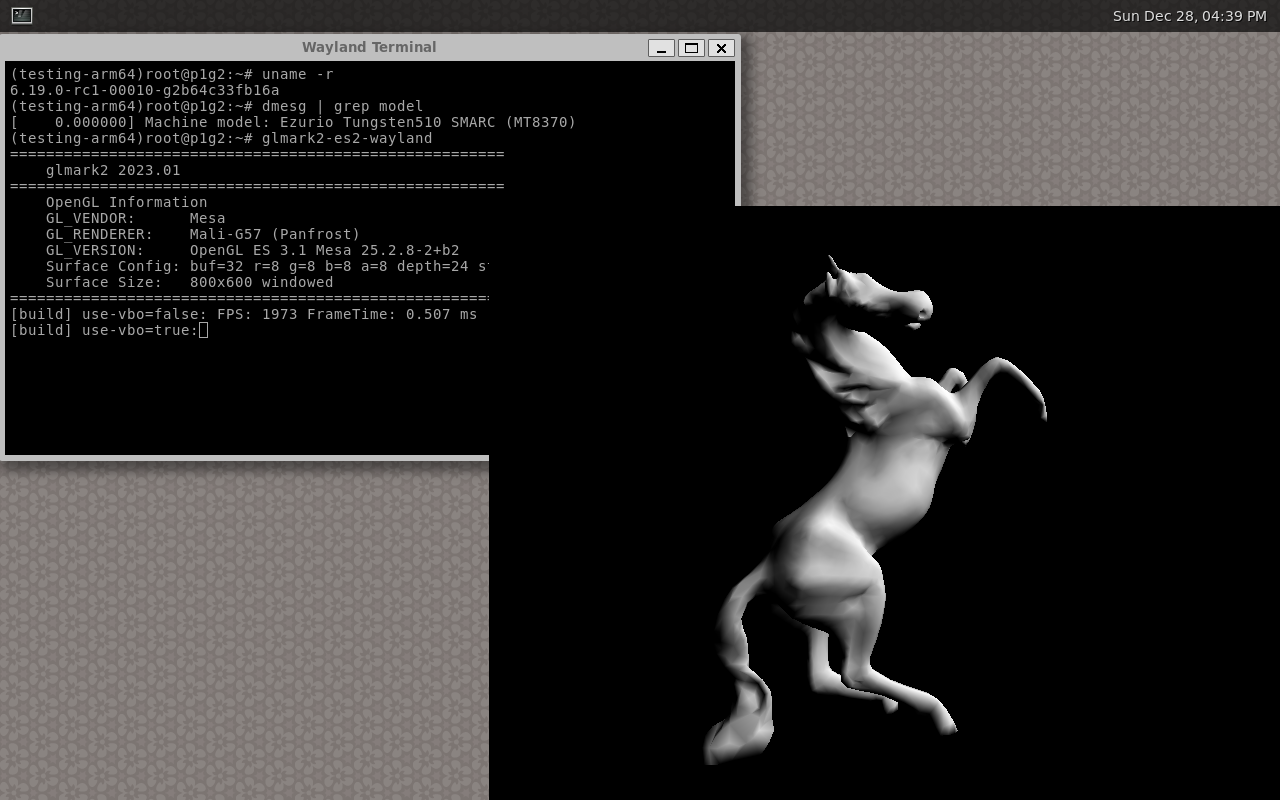
Here are the stripped down result of glmark2-es2 running on the Tungsten510 running in fullscreen (1280x800).
# WAYLAND_DISPLAY=/run/user/0/wayland-1 glmark2-es2-wayland -s 1280x800
=======================================================
    glmark2 2023.01
=======================================================
    OpenGL Information
    GL_VENDOR:      Mesa
    GL_RENDERER:    Mali-G57 (Panfrost)
    GL_VERSION:     OpenGL ES 3.1 Mesa 25.2.8-2+b2
    Surface Config: buf=32 r=8 g=8 b=8 a=8 depth=24 stencil=0 samples=0
    Surface Size:   1280x800 windowed
=======================================================
                                  glmark2 Score: 1103
=======================================================
Note that glmark2-es2-drm gives an even higher score of 1170.
GNOME testing
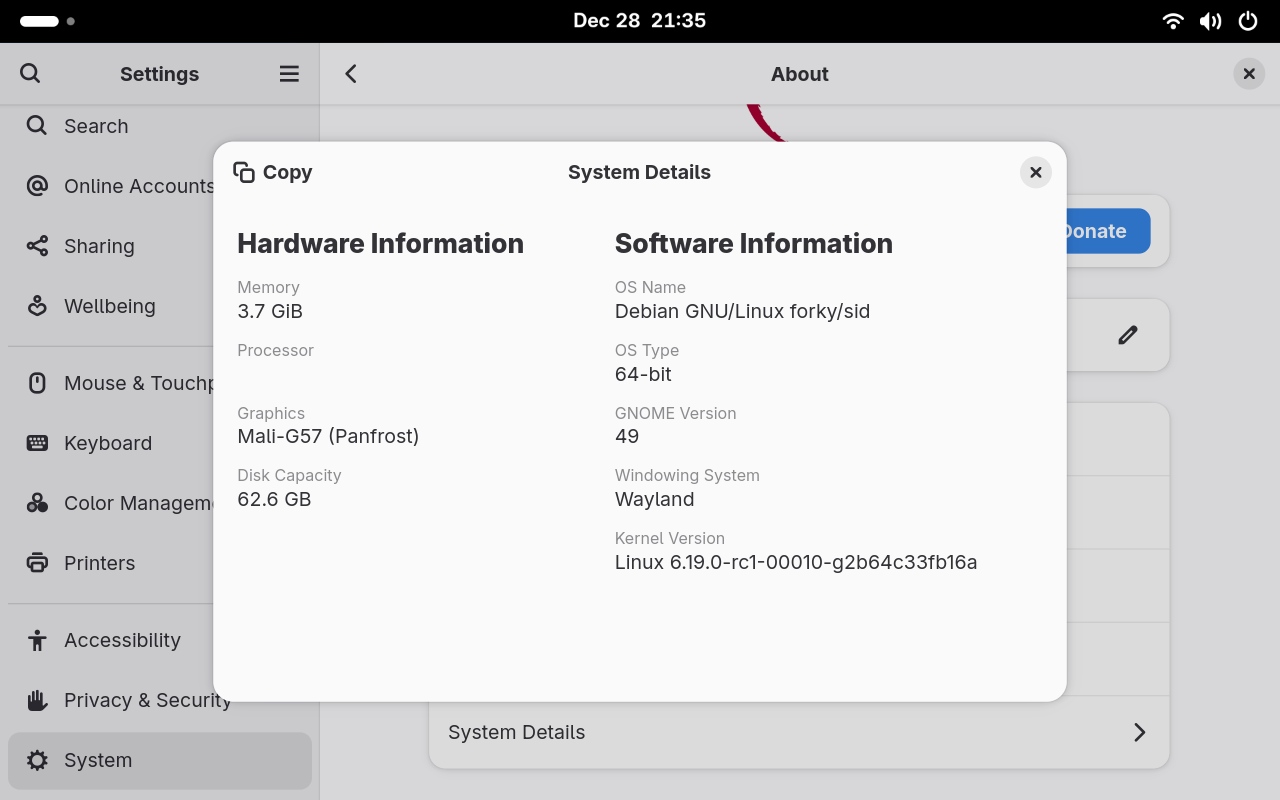
After seeing that weston was working nicely, next try was to check GNOME (gdm3), once again it worked right away:
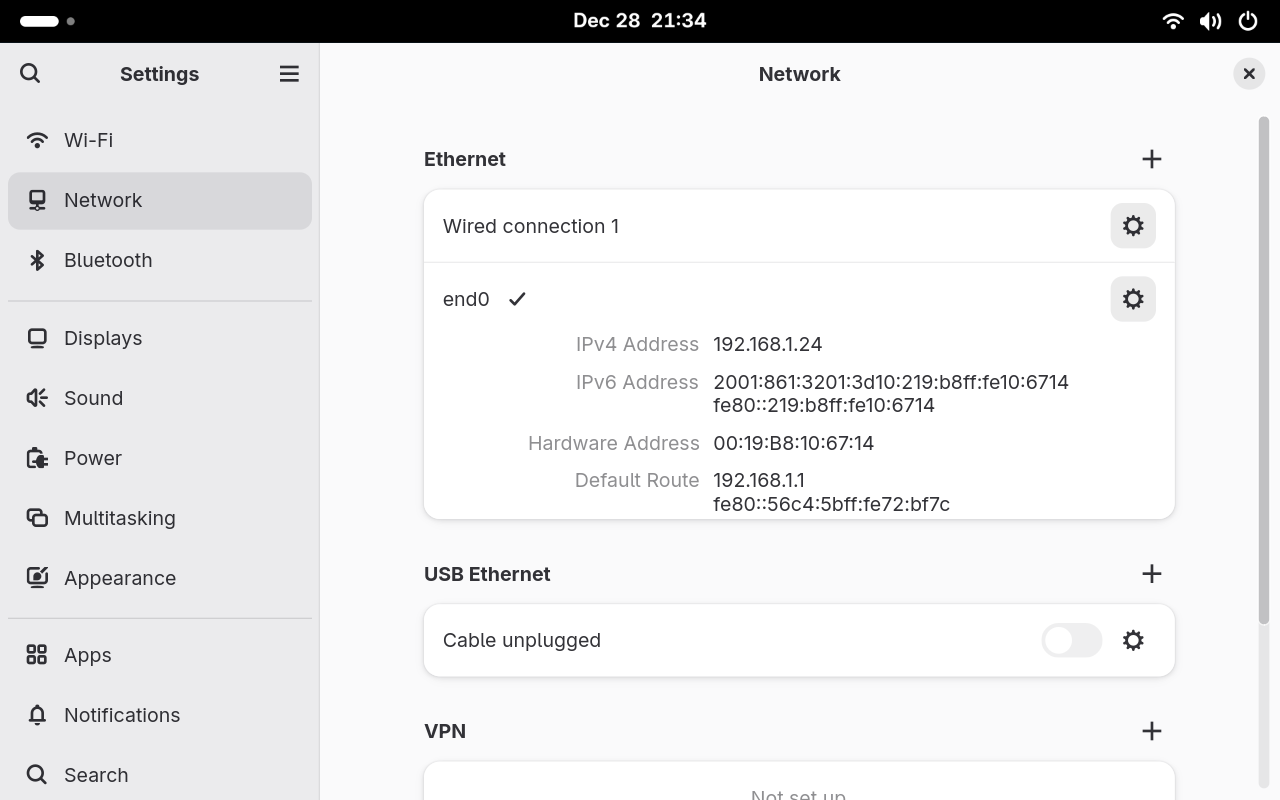
Even the different network interfaces showed up as expected:
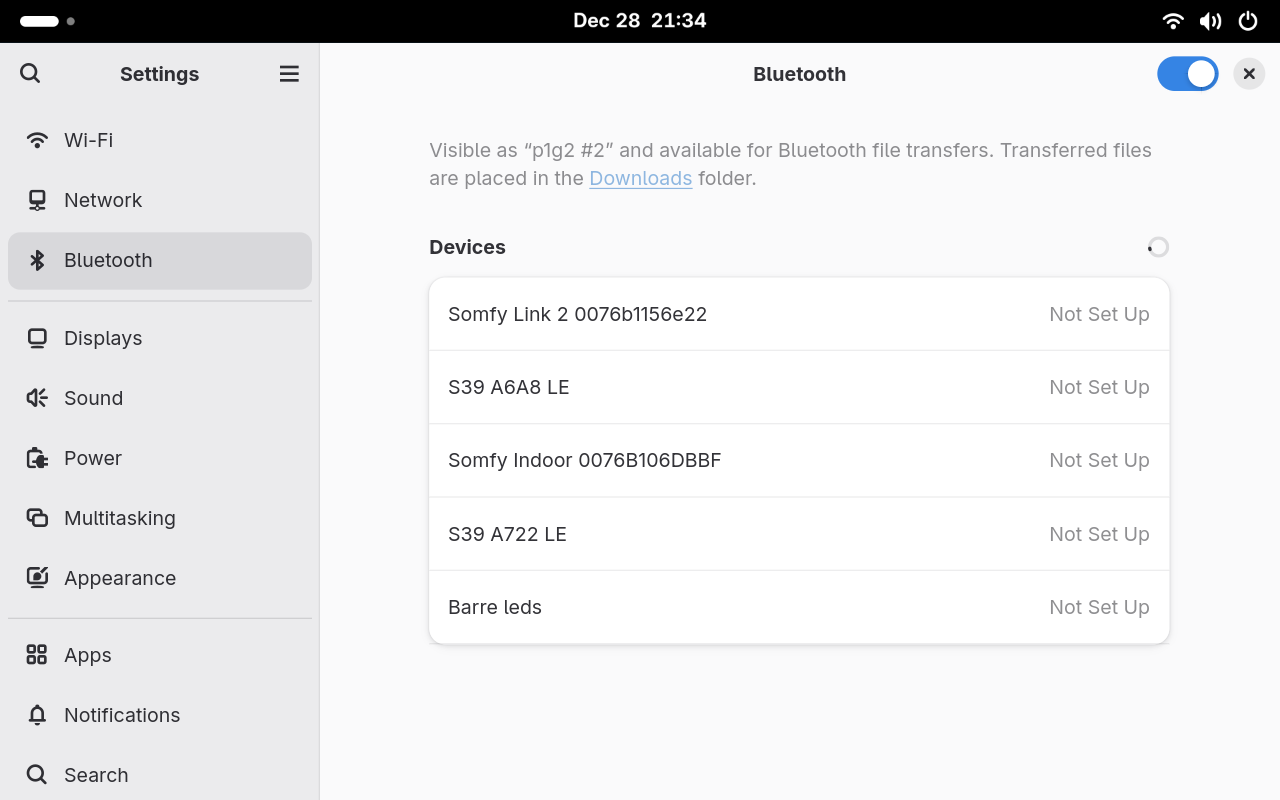
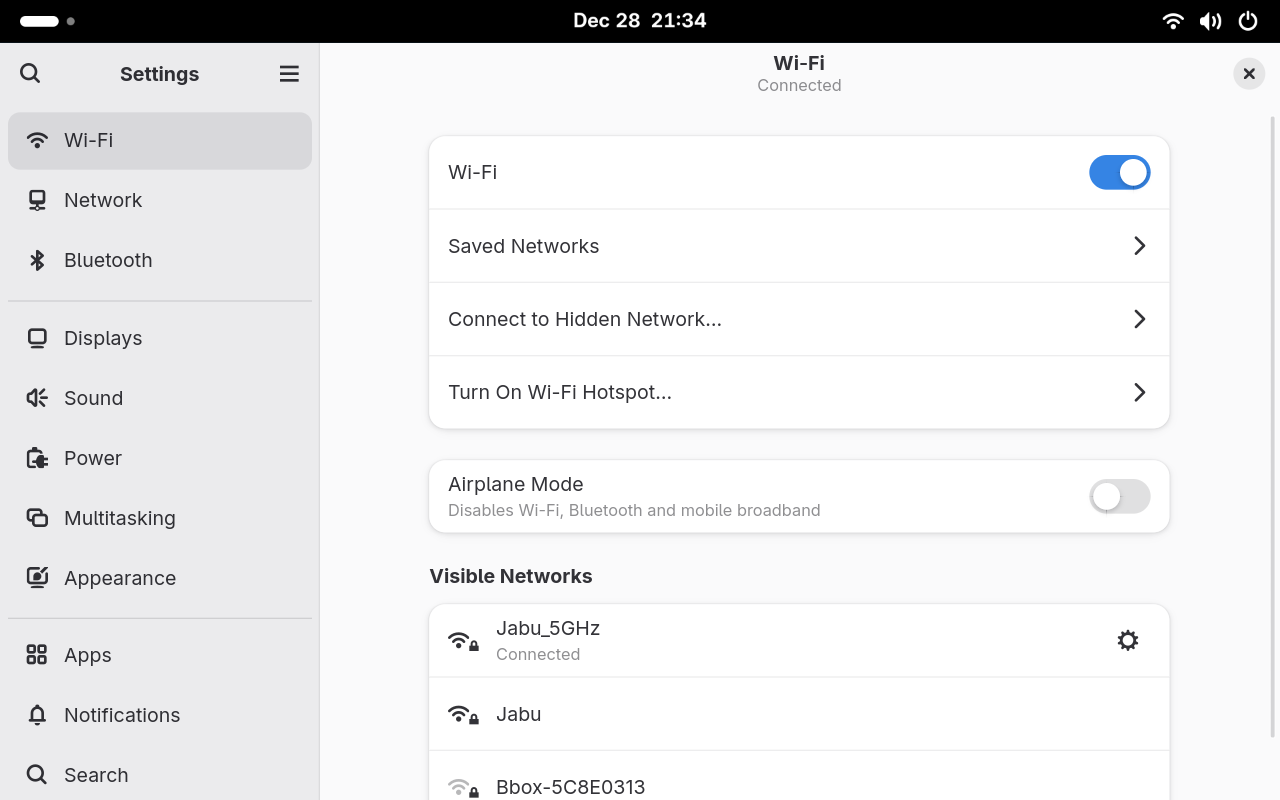
Thanks to the upstream support, a Desktop experience can be achieved without any change needed.
What’s next?
Same a last time, I will provide updates as missing features become supported:
- HDMI (patch ready-to-go)
- I2S Audio
- Video codecs (h.264/h.265)
- Camera support
I might give some Qualcomm QCS6490 platform a go as it seems quite popular at the moment and it will be good to compare its support as well as its performance.
Let me know if you have any questions/suggestions!